


 XP earned!
 STAGE 1
Meet your sidekick.
Your child picks a sidekick. Finishing chores earns the XP that helps it grow.
You set the chores and rewards. Kids check off their tasks, earn XP, and help their sidekick grow, so you can spend less time reminding.
 Educational App Store certifiedRead the independent review
 “They look forward to seeing what new characters they will get every time they get to the next level.”
 Real chores.Real progress.
Add chores for each child and choose the rewards they can work toward.
Kids check off quests to earn XP and SmartCoins. XP grows their sidekick; SmartCoins go toward rewards you choose.
Check each child’s progress and your family’s weekly chores in the Family Dashboard.
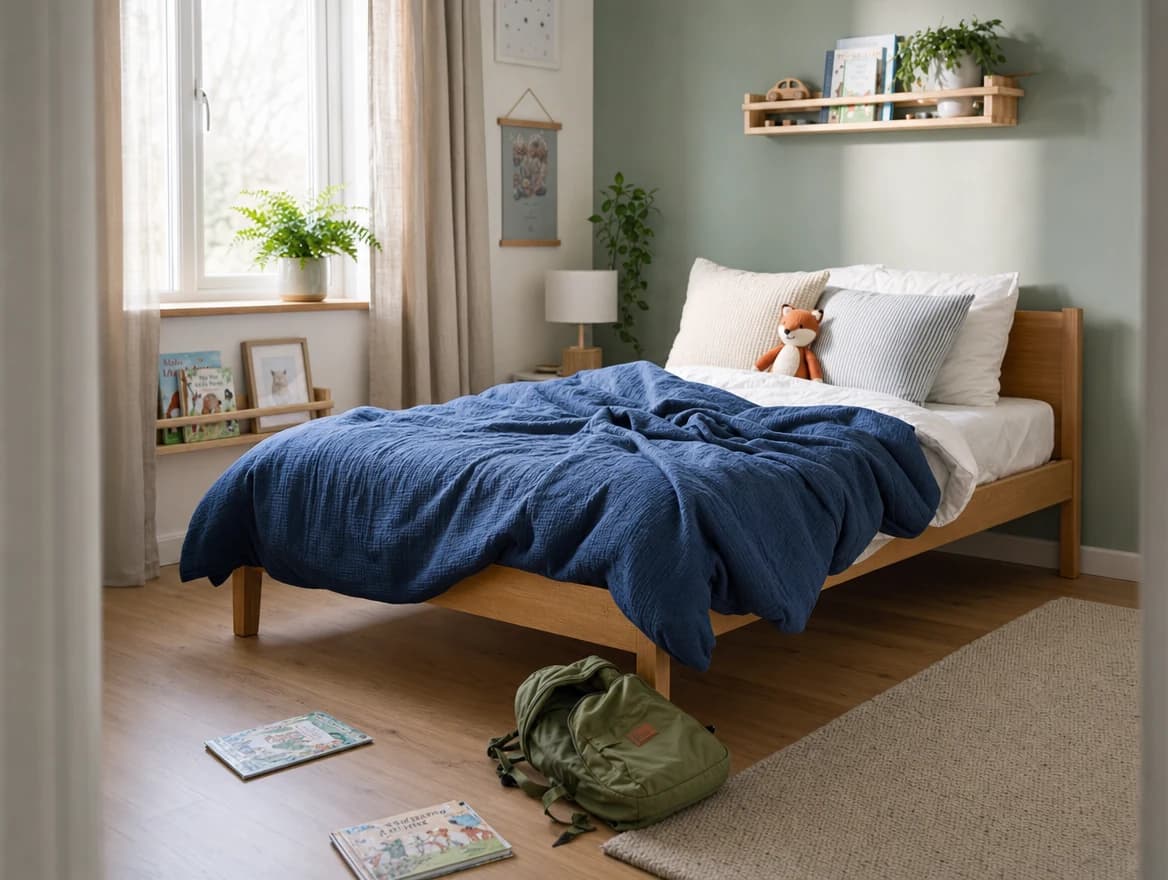
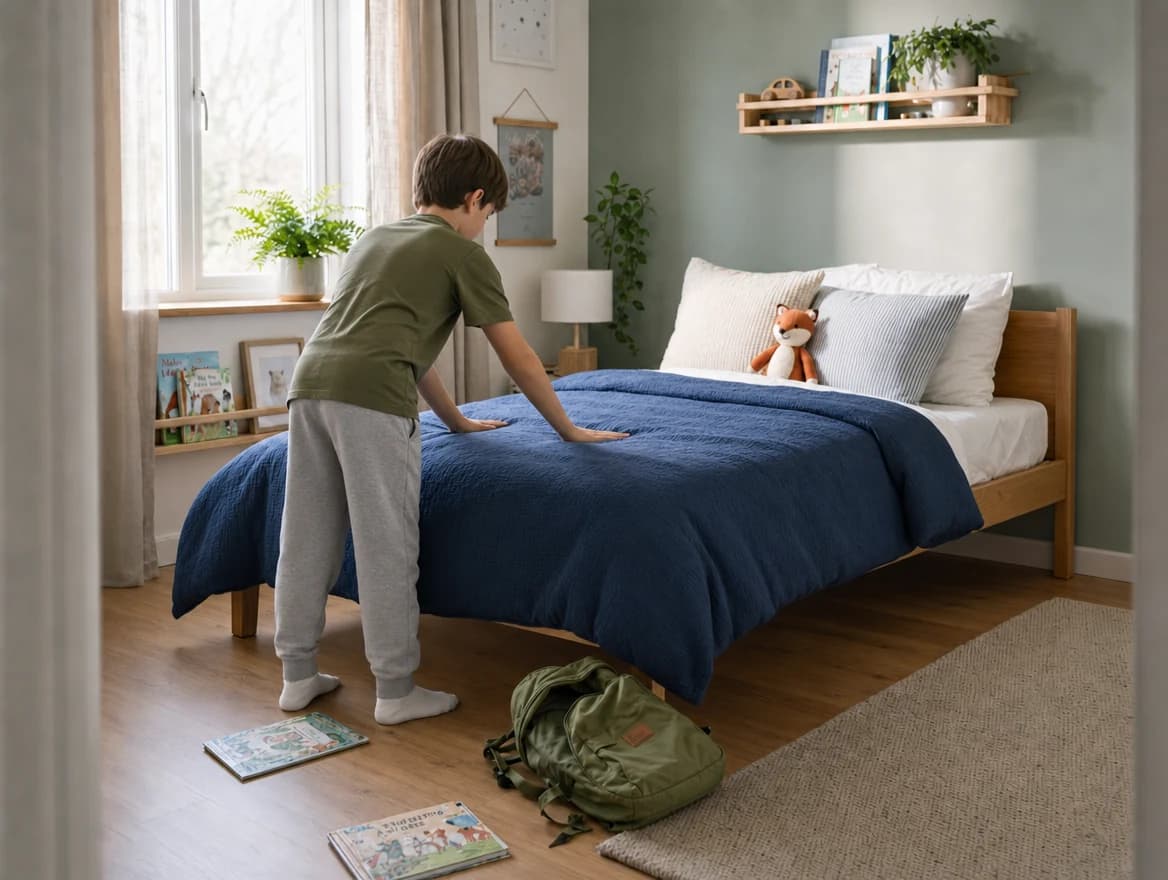
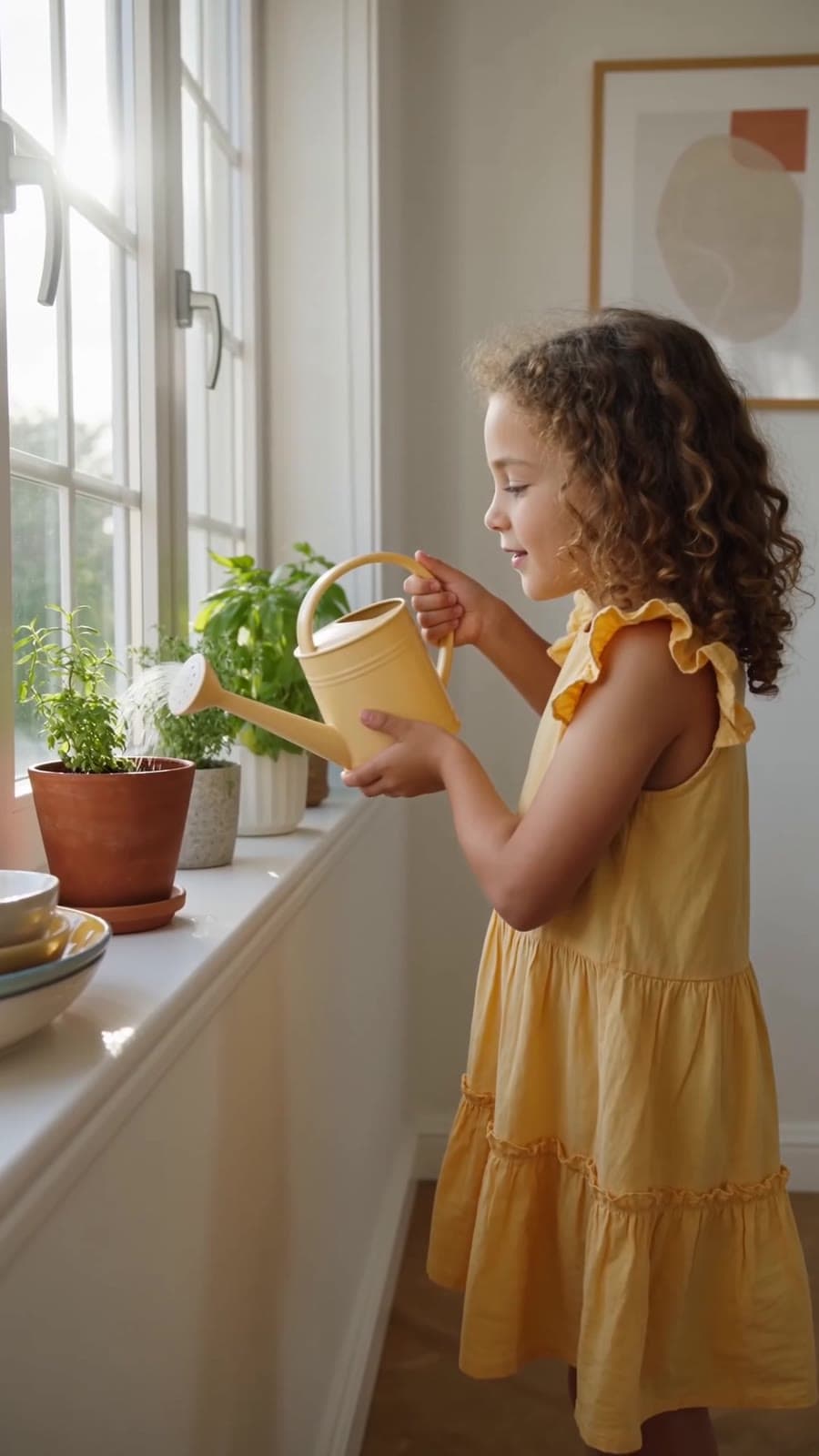
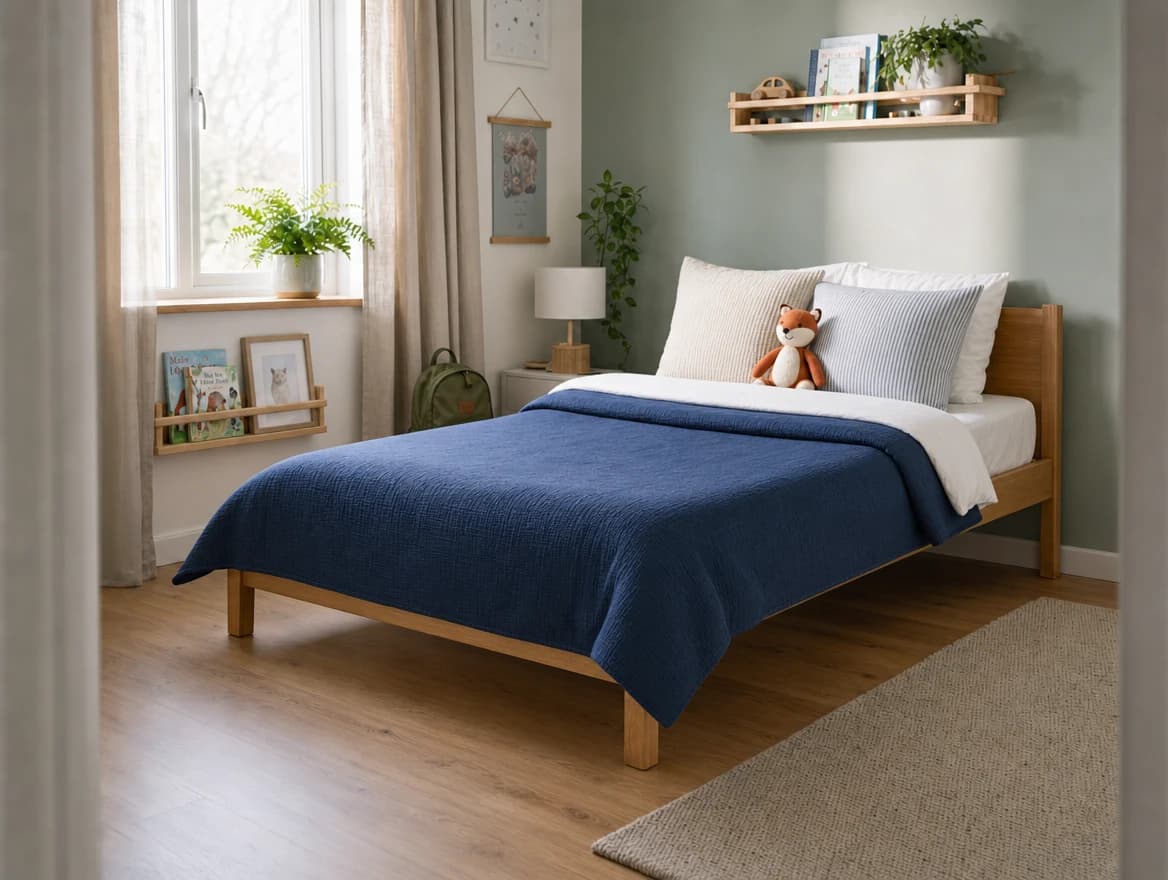
See the parent viewMaking the bed earns XP. Watering the plants earns XP too. The jobs still need doing, but now a sidekick is waiting for their next quest.
Your child picks a sidekick. Finishing chores earns the XP that helps it grow.



Keep scrolling to watch them grow
STAGE 1Your child picks a sidekick. Finishing chores earns the XP that helps it grow.
 STAGE 2
Each completed quest adds XP. Kids watch their sidekick grow as they finish more chores.
 STAGE 3
With enough XP, their sidekick evolves. Each new form comes from chores they’ve finished.
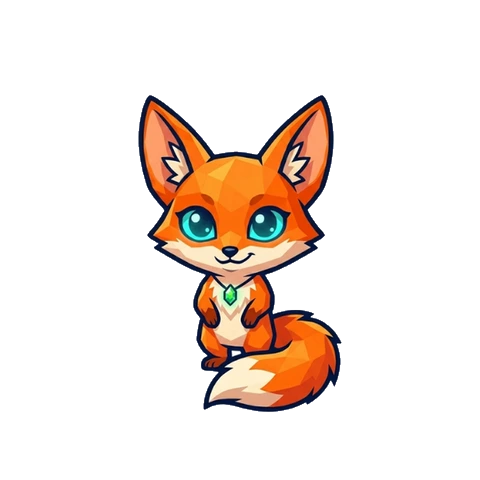
Blaze the fox. Ember the dragon. Bolt the robot. Shadow the wolf. Zyx the alien. Titan the warrior. Six personalities, one friend to grow with.
Tap a sidekick to say hello
Check today’s chores and your weekly goal in the Family Dashboard. Open the calendar to check your family’s progress across the week.
A place to check before you ask.
You choose the chores and rewards. Parent settings stay behind a PIN, so kids can focus on their quests.
Make changes to chores and routines from the parent side.
Let kids save their SmartCoins for a movie night or a favorite treat. You choose the rewards.
Start with the tasks your kids already help with. Adjust the chores as your family’s routine changes.
APP STORE REVIEW“They look forward to seeing what new characters they will get every time they get to the next level.”
APP STORE REVIEW“Love the ability to set different levels of rewards for different tasks.”
Josh Dumoulin built SmartChores after the reminders and fridge charts weren’t sticking at home. His son Rocky helped dream up the idea of feeding a sidekick. When Nicole noticed Rocky making his bed without being asked, she encouraged Josh to share it with other families.
Josh Dumoulin Dad & founder of SmartChores
Start with a 7-day free trial.
Try it with your family’s chores.
About $3.33 a month, billed yearly.
$39.99/ year
7 days free, then $39.99 billed yearly.
The trial converts to your chosen subscription unless canceled. Your store shows local pricing and full terms before you subscribe.
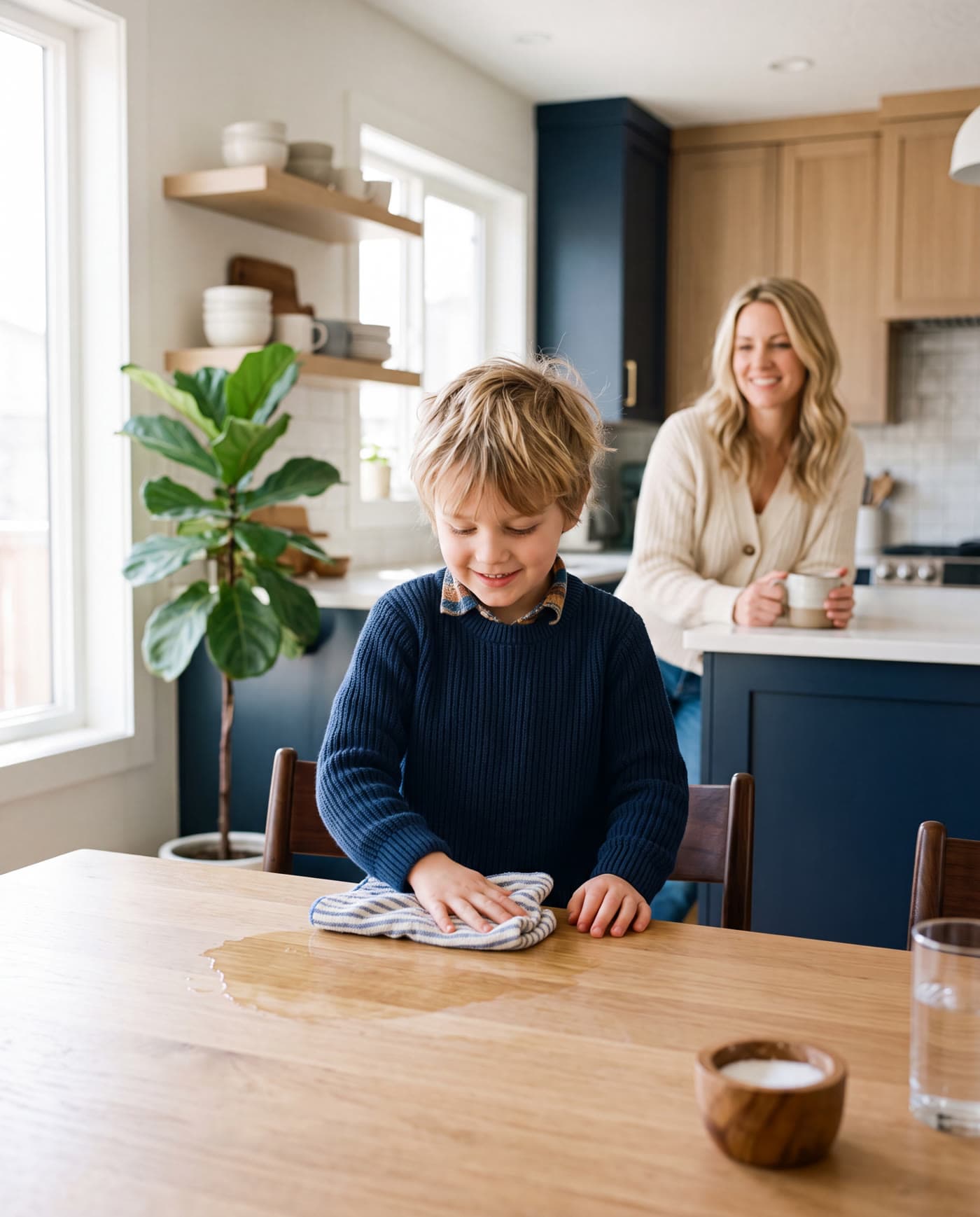
Kids use the app to check their tasks and progress. The quests are household chores, so completing them means putting the device down and doing the work.
No. Kids earn XP and SmartCoins by completing chores. XP grows their sidekick. You choose what they can spend SmartCoins on, such as a family activity or a favorite treat.
You do. Choose the chores and rewards, then adjust routines from the parent controls. Those settings are protected by a PIN.
Yes. SmartChores is available on the Apple App Store and Google Play. Use the download link for your device.
After seven days, your chosen subscription begins unless you cancel. Plans are $4.99 monthly or $39.99 yearly. Your app store shows the price and terms for your region before you subscribe.
Manage or cancel your subscription through the app store where you subscribed. You can also contact support@smartchoresapp.com for help.
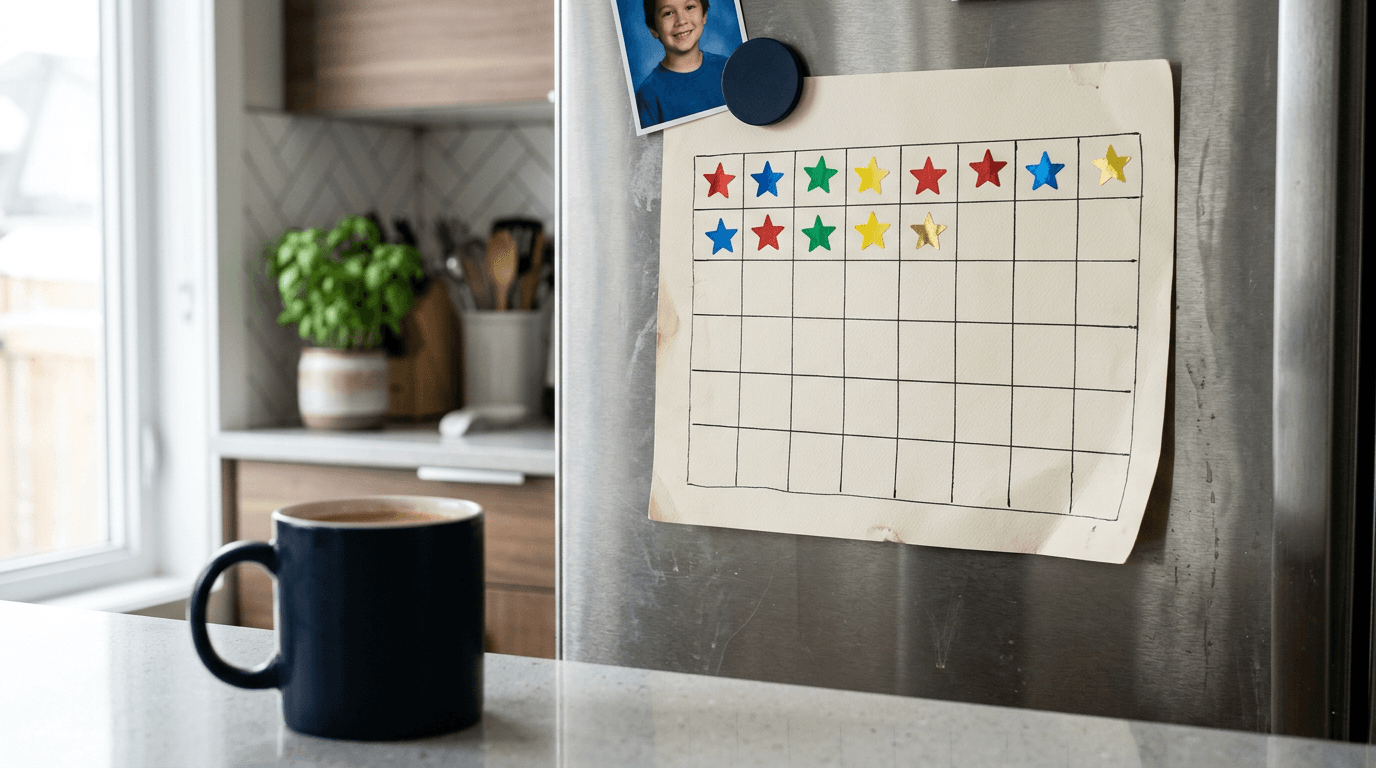
Your chore chart worked for eleven days, then became fridge decor. Here is the research on why reward charts fail, and the five fixes that actually hold.
Read the article
An independent team of education reviewers put SmartChores through a full certification. It came back with 5 stars. Here is what they said, and what happens next.
Read the article
The 10 most effective, field-tested ways to get kids doing chores on their own, and the one skill each tip is really building underneath.
Read the articleGrab the guide instead. Real tactics that get kids doing chores without being asked, straight to your inbox.
No spam. Unsubscribe anytime.
They do the chore. Their sidekick gets the XP.
Start your 7-day free trial

